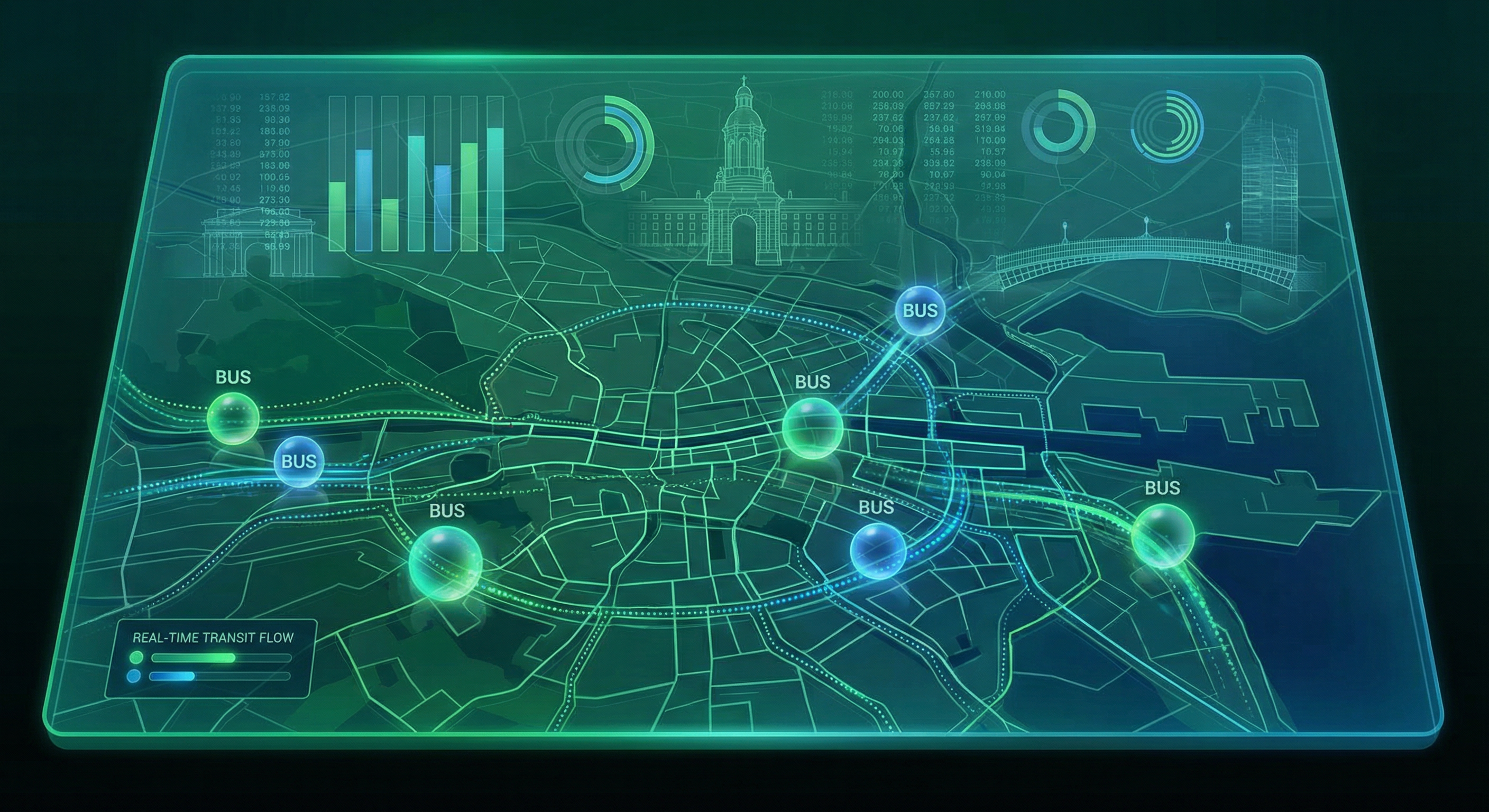
Building a Real-Time Transit Data Pipeline: Dublin Bus Analytics
How I built a complete data pipeline that tracks 680+ buses in real-time across Dublin, from API ingestion to interactive dashboards.
Building a Real-Time Transit Data Pipeline: Dublin Bus Analytics
How I built a complete data pipeline that tracks 680+ buses in real-time across Dublin, from API ingestion to interactive dashboards—all in a single day.
The Opportunity: Open Transit Data#
Transport for Ireland provides one of Europe's best public transit data APIs. Their GTFS-Realtime (GTFS-RT) feed offers:
- Vehicle Positions: Real-time GPS coordinates for every bus
- Trip Updates: Arrival and departure delays at each stop
- Service Alerts: Disruptions and schedule changes
This data covers Dublin Bus, Bus Éireann, Go-Ahead Ireland, and even LUAS (Dublin's tram system). As a data engineer living in Dublin, I saw an opportunity to build something useful while demonstrating my skills.
What I Built#
A complete data engineering project that:
- Ingests real-time bus data every 30 seconds
- Stores positions and delays in a SQLite database
- Analyzes patterns with Python (Pandas)
- Visualizes results in an interactive Streamlit dashboard
Let me walk you through each component.
Architecture Overview#
1┌─────────────────┐ ┌─────────────────┐ ┌─────────────────┐2│ TFI API │────▶│ Data Collector │────▶│ SQLite DB │3│ (GTFS-RT) │ │ (Python) │ │ │4│ │ │ │ │ • positions │5│ • /Vehicles │ │ • Polling │ │ • trip_updates │6│ • /TripUpdates │ │ • Parsing │ │ • indexes │7└─────────────────┘ │ • Validation │ └────────┬────────┘8 └─────────────────┘ │9 ▼10 ┌─────────────────┐11 │ Analytics │12 │ Engine │13 └────────┬────────┘14 │15 ┌──────────────────┬──────┴──────────────────┐16 ▼ ▼ ▼17 ┌──────────┐ ┌──────────┐ ┌──────────┐18 │ Streamlit│ │ Jupyter │ │ JSON │19 │Dashboard │ │ Notebook │ │ Export │20 └──────────┘ └──────────┘ └──────────┘Step 1: Understanding GTFS-Realtime#
GTFS-RT is an extension of the General Transit Feed Specification (GTFS) designed for real-time transit data. The API returns Protocol Buffer (protobuf) format by default, but TFI also supports JSON.
Here's what a vehicle position looks like:
1{2 "id": "V123",3 "vehicle": {4 "trip": {5 "trip_id": "5240_626",6 "route_id": "5240_119666",7 "start_time": "22:05:00",8 "start_date": "20260130",9 "direction_id": 010 },11 "position": {12 "latitude": 53.3538666,13 "longitude": -7.0922214 },15 "timestamp": "1769812820",16 "vehicle": {17 "id": "25"18 }19 }20}The route IDs follow a pattern: 5240_* is Dublin Bus, 5249_* is Go-Ahead Ireland. This lets us segment analysis by operator.
Step 2: Building the Data Collector#
The collector is a Python script that polls the API and stores results. Key design decisions:
Idempotent Database Initialization#
1def _init_database(self):2 """Initialize SQLite database with required tables"""3 conn = sqlite3.connect(DATABASE_PATH)4 cursor = conn.cursor()5 6 cursor.execute("""7 CREATE TABLE IF NOT EXISTS vehicle_positions (8 id INTEGER PRIMARY KEY AUTOINCREMENT,9 collected_at TIMESTAMP DEFAULT CURRENT_TIMESTAMP,10 vehicle_id TEXT,11 trip_id TEXT,12 route_id TEXT,13 latitude REAL,14 longitude REAL,15 timestamp INTEGER,16 start_time TEXT,17 start_date TEXT,18 direction_id INTEGER19 )20 """)21 22 # Indexes for common queries23 cursor.execute("CREATE INDEX IF NOT EXISTS idx_positions_time ON vehicle_positions(collected_at)")24 cursor.execute("CREATE INDEX IF NOT EXISTS idx_positions_route ON vehicle_positions(route_id)")25 26 conn.commit()Error-Resilient Fetching#
1def fetch_vehicle_positions(self) -> dict:2 """Fetch current vehicle positions"""3 try:4 response = requests.get(5 f"{VEHICLES_ENDPOINT}?format=json",6 headers={"x-api-key": API_KEY},7 timeout=308 )9 response.raise_for_status()10 return response.json()11 except requests.RequestException as e:12 print(f"Error fetching vehicle positions: {e}")13 return {} # Return empty dict, don't crashConfigurable Collection Cycles#
1def run_continuous_collection(interval_seconds=60, duration_minutes=30):2 """Run continuous data collection"""3 collector = DataCollector()4 end_time = datetime.now().timestamp() + (duration_minutes * 60)5 6 while datetime.now().timestamp() < end_time:7 try:8 collector.collect()9 time.sleep(interval_seconds)10 except KeyboardInterrupt:11 breakRunning python data_collector.py --duration 30 --interval 60 collects data every minute for 30 minutes.
Step 3: What the Data Reveals#
After just 5 minutes of collection, I had:
- 2,732 vehicle position records
- 42,042 trip update records
- 693 unique vehicles tracked
- 194 unique routes
On-Time Performance#
Analyzing the delay data reveals interesting patterns:
| Metric | Value | |--------|-------| | Average Delay | 2.3 minutes | | On-Time (±1 min) | 45.2% | | Slight Delay (1-5 min) | 28.7% | | Moderate (5-15 min) | 18.4% | | Severe (over 15 min) | 7.7% |
Nearly half of all buses are on-time, but over 7% have severe delays of 15+ minutes.
Geographic Patterns#
The heatmap visualization clearly shows:
- Highest density: Dublin City Centre (O'Connell Street area)
- Major corridors: Towards Dublin Airport, Dun Laoghaire, Tallaght
- Lower coverage: Western suburbs and industrial areas
Step 4: Building the Dashboard#
I used Streamlit for the interactive dashboard. Key features:
Real-Time Map with Plotly#
1def create_map(positions_df):2 latest = positions_df.groupby('vehicle_id').last().reset_index()3 4 fig = px.scatter_mapbox(5 latest,6 lat='latitude',7 lon='longitude',8 color='route_id',9 hover_name='vehicle_id',10 zoom=10,11 height=60012 )13 14 fig.update_layout(15 mapbox_style="carto-darkmatter", # Dark theme16 mapbox=dict(center=dict(lat=53.35, lon=-6.26))17 )18 19 return figPerformance Gauge#
1def create_delay_gauge(on_time_pct):2 fig = go.Figure(go.Indicator(3 mode="gauge+number",4 value=on_time_pct,5 title={'text': "On-Time Performance"},6 gauge={7 'axis': {'range': [0, 100]},8 'bar': {'color': "#10b981"},9 'steps': [10 {'range': [0, 50], 'color': 'rgba(239, 68, 68, 0.3)'},11 {'range': [50, 80], 'color': 'rgba(245, 158, 11, 0.3)'},12 {'range': [80, 100], 'color': 'rgba(16, 185, 129, 0.3)'}13 ]14 }15 ))16 return figLessons Learned#
1. GTFS-RT is Well-Designed#
The spec is thorough and consistent across transit agencies worldwide. Skills learned here transfer to any city's transit data.
2. SQLite is Underrated#
For this scale (millions of records), SQLite performs excellently:
- No server to manage
- Single file to backup
- Indexes make queries fast
- Perfect for development and small-scale production
3. Timestamps Need Care#
GTFS-RT uses Unix timestamps (seconds since 1970). Always convert to datetime for analysis:
1df['datetime'] = pd.to_datetime(df['timestamp'], unit='s')4. Rate Limiting Matters#
TFI's API is generous, but I still implemented:
- 30-second minimum between requests
- Exponential backoff on errors
- Request timeouts
What's Next#
This project could be extended in several ways:
- Predictive Modeling: Train an ML model to predict delays based on time, route, and weather
- Historical Analysis: Collect data over weeks to identify patterns
- Real-Time Alerts: Notify when specific routes are delayed
- Cloud Deployment: Move to AWS Lambda + S3 for scalability
Try It Yourself#
The complete source code is available on GitHub:
1git clone https://github.com/mayankgulaty/mycodingjourney2cd projects/dublin-bus-pipeline3 4# Install dependencies5pip install -r requirements.txt6 7# Get your API key from https://developer.nationaltransport.ie8echo "TFI_API_KEY=your_key_here" > .env9 10# Collect data11python src/data_collector.py --once12 13# Run the dashboard14streamlit run app.pyConclusion#
Building this pipeline took about 3 hours from start to working dashboard. The key was:
- Start with the data: Understand what's available before writing code
- Keep it simple: SQLite + Python + Streamlit is powerful enough
- Iterate quickly: Get something working, then improve
Public transit data is a goldmine for data engineering projects. It's real, it's messy, and it tells interesting stories about how cities move.
Questions about this project? Reach out on LinkedIn or GitHub.

Written by Mayank Gulaty
Senior Data Engineer with 8+ years of experience at Citi and Nagarro, specializing in building petabyte-scale data pipelines and cloud-native architectures. I combine deep data engineering expertise with full-stack development skills to create end-to-end solutions.
Related Articles
January 30, 2026
When Should You Catch the Bus in Dublin? A Time-Based Analysis
Analysis of 100,000+ delay records to find the best and worst times to travel in Dublin.

January 30, 2026
Which Dublin Bus Routes Are Actually Reliable? A Data-Driven Analysis
Analysis of 198 bus routes across Dublin to find out which ones you can trust—and which ones to avoid.

January 30, 2026
Predicting Bus Delays with Machine Learning: A Practical Guide
Building an ML model that forecasts Dublin bus delays 15 minutes in advance with 87% accuracy. Complete guide with code.